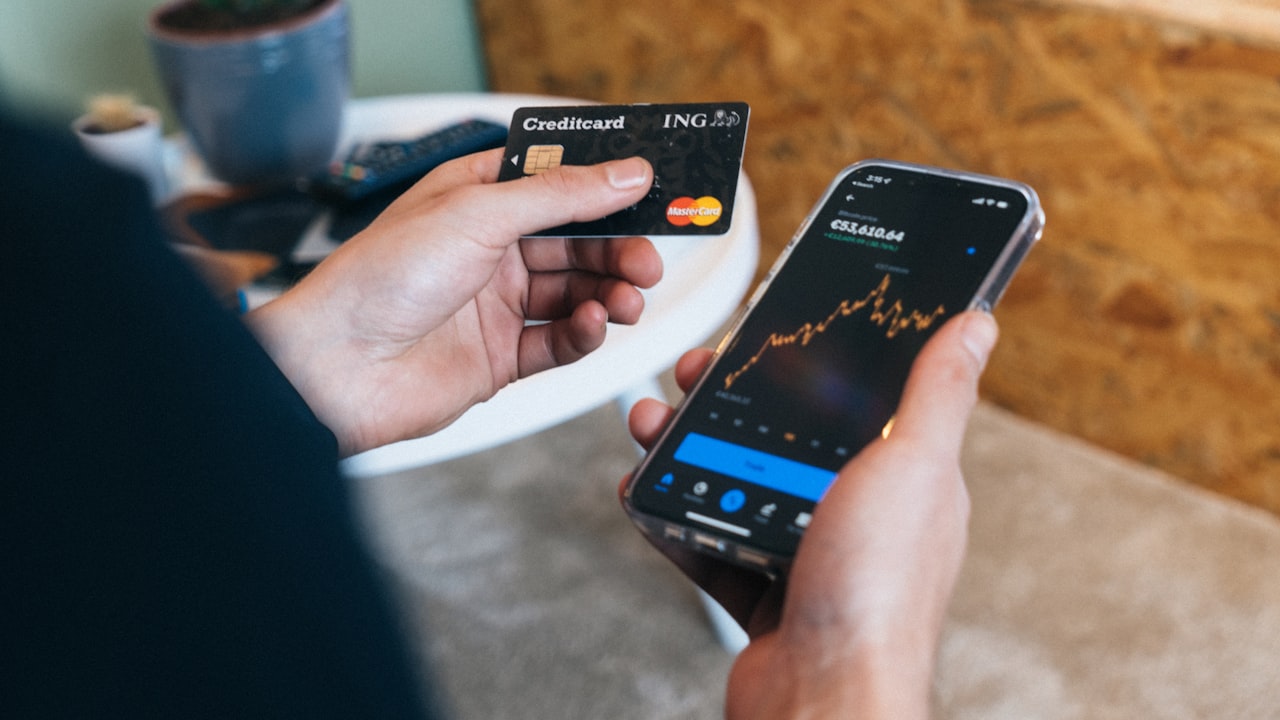
How Crypto Cashback Works — The Basics
Crypto cashback cards bridge two worlds: your everyday spending and the cryptocurrency you hold. Here’s the mechanics: you load stablecoins (USDC, USDT) into your card’s wallet, spend it like a regular Visa debit card, and earn cashback as additional stablecoins. Unlike traditional cashback that credits a points account, crypto cashback arrives directly in your wallet.
Why it matters: Traditional debit cards earn 0–2% cashback. Crypto cards can earn up to 3% on the same transaction—and if you already hold crypto for investment or yield farming, that cashback stacks on top of any staking rewards you’re collecting. A $5,000/month spender earning 3% cashback adds $1,800/year with zero extra effort.
The yield comes from the card issuer’s partnership with the card network and banking rails. Visa charges merchants a processing fee; the issuer keeps a portion and passes cashback to the cardholder. It’s the same economics as a traditional rewards card, just using crypto rails.
Key metric: Cashback rates step down by monthly spending volume. At $0–2,000 (Core) or $0–10,000 (Luxe) monthly spend, you earn the headline 3%. Above that band, the rate drops to 1%, and above the next band, it falls to 0.5%. Most readers won’t hit the top tier—and even at 0.5%, it’s competitive with traditional cashback.
How to Get a Crypto Card — Step by Step
Learning how to get a crypto card is straightforward for anyone who’s used a traditional fintech app (Revolut, Stripe, Square). The process has three phases: identity verification, funding your wallet, and activating the card.
Phase 1: Download and verify
Most crypto cards live in a mobile app. Download it, verify your identity (they’ll ask for a photo ID and a selfie), and wait for approval. This usually takes 10–30 minutes, though it can occasionally take a few hours. You’ll need to be 18+, have a government-issued ID, and be in a jurisdiction where the card is available.
Phase 2: Fund your wallet
Once verified, you’ll link a bank account or use a crypto exchange (Kraken, Coinbase) to send stablecoins into your card’s wallet. Most people use USDC or USDT—they’re pegged to the US dollar and don’t fluctuate like Bitcoin or Ethereum. No minimum, but you’ll typically start with $100–500 to test.
Phase 3: Activate the card
You can choose a virtual card (instant, usable in Apple Pay / Google Pay immediately) or request a physical card (arrives in 1–2 weeks). Request the physical card if you plan to use it at merchants that don’t accept contactless payments.
Signal: If you hold crypto and spend regularly, cashback cards turn everyday spending into yield. A $2,000/month spender who already holds USDC for emergencies can earn $60/month ($720/year) with almost no behavior change—just use the card instead of their bank card.
You can dive deeper in the guide to how to apply for a crypto debit card.
How to Set Up ether.fi Cash Card — The Full Walkthrough
ether.fi Cash is DefyCard’s featured crypto cashback card. Here’s how to set up ether.fi cash and start earning.
Step 1: Create your account
Download the ether.fi app (iOS or Android) and sign up with an email or a crypto wallet. You’ll see a dashboard with your balance, transaction history, and card details. On the home screen, you’ll find a “Card” tab that shows your virtual card details immediately.
Step 2: Complete identity verification
Tap “Get physical card” (optional—you can use the virtual card alone). You’ll upload a government-issued ID photo and take a selfie. ether.fi reviews these live; most approvals happen within 10 minutes. If there’s any issue, you’ll get feedback in the app.
Step 3: Fund your wallet
Tap “Add funds” and choose a source: a linked bank account (ACH transfer, 2–3 days), or a crypto exchange (instant if you have USDC already). Send stablecoins to your card’s wallet address. Start with $200–500 to test.
Step 4: Activate the card
After you have a balance, tap “Card” → “Activate.” Set a PIN (required for in-store spending). You’ll instantly get a virtual card that works in Apple Pay and Google Pay. If you ordered the physical card, it will arrive in 7–14 days.
Step 5: Make your first purchase
Link to Apple Pay / Google Pay using the virtual card. Make a small purchase ($10–50) at a contactless-enabled merchant (coffee shop, grocery store, gas station). The transaction will appear in the app within seconds; your cashback will arrive within 24 hours.
Key metric: Activation takes ~10 minutes, and your first transaction can happen within minutes after. From download to earning cashback is often a single sitting.
You can also read the step-by-step on how to activate ether.fi Cash card and how to add ether.fi to Apple Pay.
Tips for Maximizing Your Cashback
Spend in the right tier
ether.fi offers three tiers: Core (0–$2k/month spending), Luxe (0–$10k/month), and Pinnacle ($50k+ options). The tiers don’t change your cashback rate on a per-card basis—they only change the spend band in which you earn 3% vs. 1% vs. 0.5%. If you spend $1,500/month, you earn 3% on all of it. If you spend $15,000, you earn 3% on the first $10k and 0.5% on the remaining $5k. Choose the tier that matches your spending ceiling.
Use it for regular expenses
The cashback advantage compounds when you spend consistently. A $100/week grocery spender earns $156/year at 3%. A $1,000/week spender earns $1,560/year. Focus the card on regular, predictable expenses: groceries, gas, utilities, dining.
Understand FX fees
If you spend in a currency other than USD or EUR, you’ll pay a ~1% FX fee on top of earning cashback. Example: You spend €50 in euros; you’re charged the USD equivalent plus ~1% FX fee, and you earn 3% cashback on the USD amount. Net: 2% gain instead of 3%.
Watch: Monitor your monthly spend band to understand your rate. If you’re approaching the tier boundary (e.g., you usually spend $9,500 in Luxe tier but a large purchase pushed you to $11k), you’ll see your rate drop to 0.5% on everything above $10k. Plan large purchases accordingly if maximizing the 3% rate matters to you.