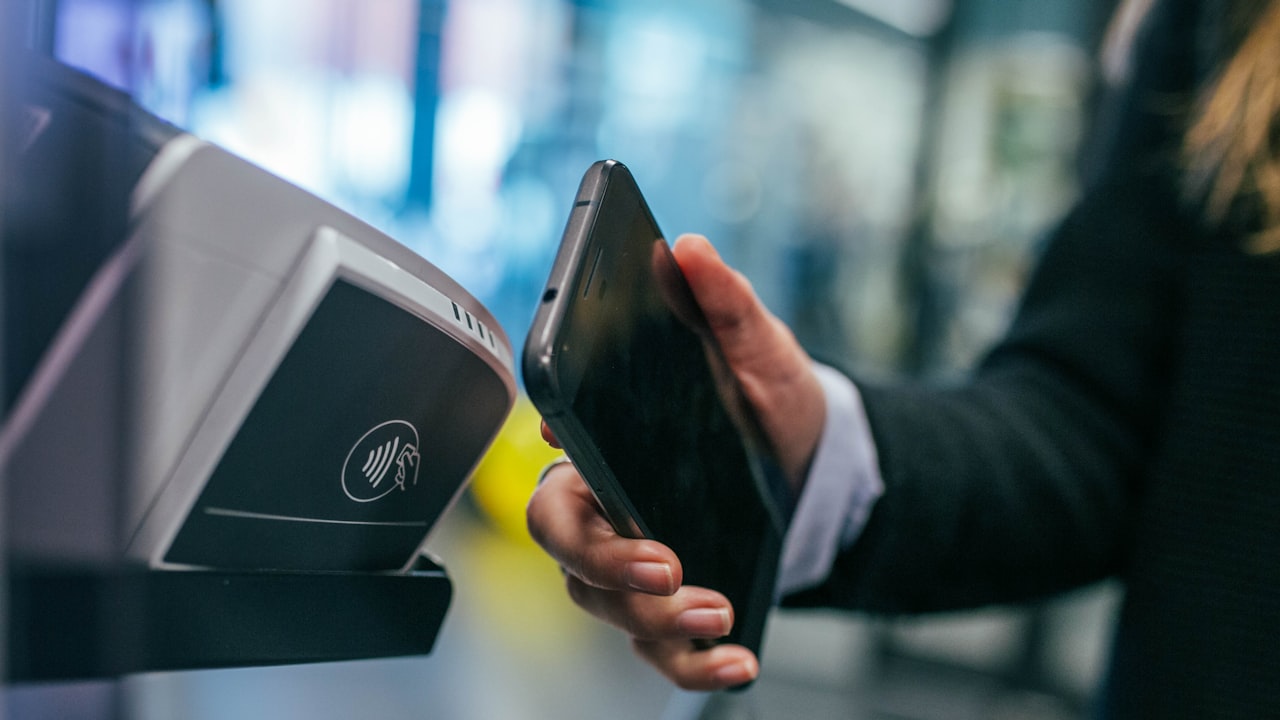
Why Add Your Crypto Card to Your Wallet?
Adding a crypto card to Apple Pay, Google Pay, or Samsung Pay gives you three superpowers:
- Instant checkout — tap to pay at any Visa/Mastercard terminal worldwide.
- No PIN entry — most transactions under $50 are one-tap contactless.
- Real-time settlement — your on-chain balance updates in seconds.
But here’s the catch: not all crypto cards integrate the same way, and the setup process differs wildly.
Signal: Custodial cards (Crypto.com, Coinbase) integrate faster because the issuer controls the backend. Self-custody cards (MetaMask, ether.fi) require extra steps because you own the private key.
How to Add Crypto.com Card to Apple Pay
Crypto.com cards are the easiest entry point for newcomers to crypto spending.
Step 1: Verify your Crypto.com card is activated
Open the Crypto.com app → tap Card (bottom menu). You should see a virtual card (instant) or physical card (ordered). Confirm it shows Active.
Why it matters: Crypto.com won’t let you add a card to Apple Pay until it’s activated in-app.
Step 2: Add to Apple Wallet
- Open Apple Wallet.
- Tap + (top right).
- Select Credit or Debit Card.
- Choose Scan with camera or enter manually.
- Scan the card number from Crypto.com app, or type it in.
- Confirm CVV and expiry.
- Set your transaction limit (if prompted).
- Tap Next → Done.
Your Crypto.com card now appears in Apple Wallet. Tap and hold to make contactless payments.
Risk: Crypto.com imposes a daily spend limit (varies by tier). If you hit the limit, transactions decline even though Apple Wallet shows the card as active. Check your Crypto.com account settings to adjust tier limits.
Step 3: Test a small transaction
Make a purchase under $10 at a contactless-enabled terminal (Starbucks, Target, grocery store). You should see the charge in Crypto.com within seconds.
How to Add MetaMask Card to Apple Pay
MetaMask cards are the self-custody alternative — you control the private key, and the card never holds your crypto in escrow.
Step 1: Order or activate your MetaMask card
Go to metamask.io/card (or within the mobile app) and order a physical card. Virtual cards are instant but only work with Google Pay, not Apple Pay yet.
Watch: Apple Pay requires a physical MetaMask card. Virtual-only cards won’t integrate with Apple Wallet.
Step 2: Add to Apple Wallet via NFC or manual entry
- Once your physical MetaMask card arrives, open Apple Wallet.
- Tap + → Credit or Debit Card.
- Scan the card using your camera (NFC chip on the back).
- If scanning doesn’t work, enter manually: card number, CVV, expiry.
- Confirm and tap Done.
MetaMask cards use instant provisioning, meaning your wallet balance syncs in real-time as you spend.
Signal: MetaMask cards are best for users comfortable with self-custody. If you lose your card or phone, you can disable it instantly in MetaMask without calling support—because you hold the keys.
How to Add Coinbase Card to Google Pay
Coinbase cards integrate smoothly with Google Pay (Android) but are slower to add to Apple Wallet on iOS.
Step 1: Activate your Coinbase card
Open the Coinbase app → Card tab. Confirm your card (physical or virtual) shows Active.
Step 2: Add to Google Pay (Android)
- Open Google Wallet.
- Tap + (add card).
- Select Credit or debit card.
- Scan or type the Coinbase card details.
- Verify CVV and expiry.
- Confirm and tap Done.
Your Coinbase card is now in Google Wallet. Tap and hold your phone at checkout.
Risk: Coinbase card’s Apple Pay integration is inconsistent across regions. If you’re in the US and Apple Wallet rejects the card, contact Coinbase support — they may need to update your account separately.
Why ether.fi Cash Beats Them All
Here’s what makes ether.fi Cash different:
Up to 3% cashback on every purchase. Crypto.com and Coinbase offer 1–2%. MetaMask offers zero.
**(rotating quarterly). This alone saves you $100–$300 per year if you eat out regularly.
Zero FX fees on USD and EUR — essential if you travel or shop in multiple currencies. Crypto.com and Coinbase charge 1–2% per foreign transaction.
Non-custodial settlement — your ETH stays staked and earning yield until you spend. Custodial cards (Crypto.com, Coinbase) lock your balance in their vault.
Why it matters: After $5,000 in annual purchases, ether.fi Cash puts $50–$150 back in your pocket vs. competitors. That’s free yield.
Key metric: ether.fi’s 3% base cashback1.8–2.2% higher than Crypto.com (which maxes at 2%, with zero dining bonus in most regions).
Setting up ether.fi Cash on Apple Pay
The process mirrors Crypto.com:
- Sign up at ether.fi Cash via our link above.
- Complete KYC (government ID + liveness selfie, ~5 minutes).
- Order virtual card (instant) or physical (15 business days).
- Open Apple Wallet → + → scan or enter the card details.
- Make a test transaction to confirm.
Your ether.fi balance updates in real-time because it’s backed by Visa. It works at 99% of checkout terminals worldwide.
What to Watch
- Daily/monthly spend limits reset on a schedule — Crypto.com Core and ether.fi Core tier = $2,000/mo limit. If you hit the cap, subsequent transactions decline until reset. Check your issuer’s account for exact reset time.
- Apple Wallet regional blocks — Turkey, Netherlands, Estonia, Finland, and a few others restrict Apple Pay entirely. If Apple Wallet rejects your card, verify your country’s supported list in your issuer’s help center.
- Virtual card provisioning lags — Apple Wallet can take 24–48 hours to fully sync after you add a virtual card. If it doesn’t work immediately, restart your phone and try again.
- Currency conversion timing — your FX rate locks at transaction time, not settlement. A €100 purchase might cost $107 USD immediately or $110 USD hours later depending on Visa’s rate at that exact second.
- Wallet sync dropouts — rarely, Apple Wallet stops communicating with the card’s backend for a few minutes. If a transaction declines unexpectedly, try again in 30 seconds.
Bottom Line
- If you want zero friction: Crypto.com card is fastest to set up—sign up, activate, add to Apple Pay in 10 minutes.
- If you want self-custody: MetaMask and ether.fi keep your keys on-chain and your balance under your control.
- If you want rewards: ether.fi Cash is the only card combining 3% cashback, zero FX fees on major currencies, and non-custodial staking yields.
- If you fit the non-custodial + yield profile, ether.fi Cash pays you back. Start here.
FAQ
-
Q: Can I add a virtual crypto card to Apple Wallet before the physical card arrives? A: Yes. Most crypto card issuers (Crypto.com, ether.fi, Coinbase) issue a virtual card instantly when you activate your account. You can add the virtual card to Apple Wallet and start spending immediately. The physical card arrives 15–20 business days later and shares the same balance and limits.
-
Q: What’s the difference between Apple Pay and Google Pay for crypto cards? A: No functional difference for spending—both use the Visa/Mastercard rails and support contactless tap-to-pay. The only difference is the device: Apple Pay on iPhones, Google Pay on Android. Some issuers (Coinbase, MetaMask) integrate faster with one platform due to partnerships.
-
Q: Do I lose custody of my crypto when I add a card to Apple Wallet? A: It depends on the card type. Custodial cards (Crypto.com, Coinbase) hold your balance at the issuer—you lose custody until you spend it. Non-custodial cards (ether.fi Cash, MetaMask) keep your private keys on-chain—you retain full custody. ether.fi is unique because your ETH stays staked and earning yield.
-
Q: Why does my crypto card decline even though I have a balance? A: Most common: you’ve hit your daily or monthly spend limit. Less common: the merchant’s terminal doesn’t support Visa, or Apple Wallet hasn’t synced your latest balance. Restart Apple Wallet or toggle Airplane Mode to refresh. Check your issuer’s app for active spend limits.
-
Q: Can I use crypto cards internationally, and what’s the FX fee? A: Yes, all Visa-backed crypto cards work worldwide. Standard FX conversion is 0.5–1.5% via Visa’s exchange rate. ether.fi Card stands out with 0% FX on USD and EUR, and 1% on all other currencies—saving hundreds if you travel or shop internationally. Crypto.com charges 1–2% on all foreign transactions.
-
Q: What happens if I lose my phone or physical card? A: For Apple Wallet: log into your issuer’s web app and disable the card instantly (no phone required). For physical cards: call the issuer’s support line. Non-custodial cards (ether.fi, MetaMask) are safer because you control the private key—disable the card in the app immediately.