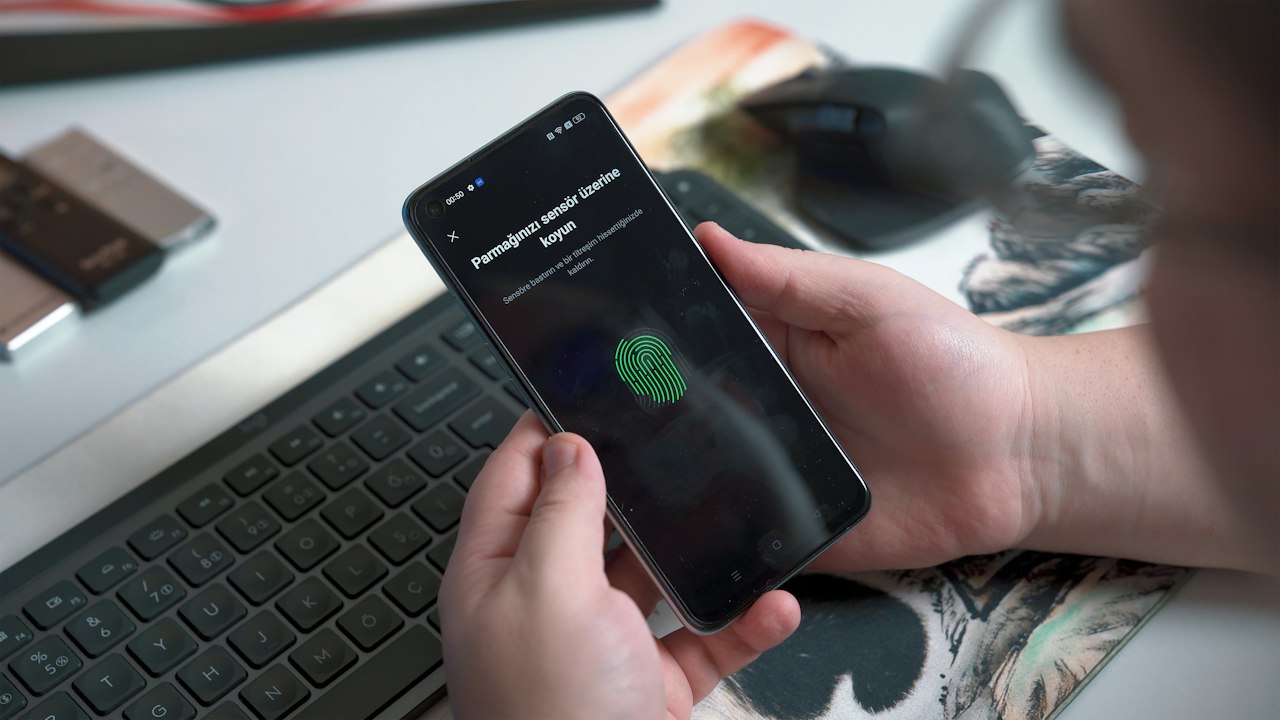
How long does it take to get a working crypto card?
- Step 1, identity check: you submit documents and wait for approval. No card works before this step.
- Step 2, card in hand: a physical card waits for production and delivery after approval. Plan around that wait, not around approval alone.
Watch: DefyCard has no verified day count for either step. Read the issuer’s help center for current timing before you plan a payment that depends on the card.
For most readers, the answer to how long does it take to get a working crypto card comes down to two clocks that run one after the other. The first clock is approval. The second clock is delivery, and it only applies to a physical card.
What the identity check asks for
- Documents: a current government ID is the standard input. Check the sign-up page for the current list.
- Expired ID: a document past its expiry date can stall the check. See the expired ID question.
- Digital ID: the digital ID question covers whether a digital credential can replace a physical one.
Risk: a rejected check means a second round of waiting. Submit clear, current documents the first time.
Why a crypto card gets declined
- Unfinished check: the card may exist, but spending stays closed until approval completes.
- Country setting: the card works only in countries on the issuer’s list. See international use.
- Balance or limit: the account lacks funds for the purchase, or the purchase hits an issuer limit. The app shows the reason.
- Merchant block: some merchants refuse crypto-linked cards, whatever the account status.
Signal: a decline in the first days after ordering points to the identity check before anything else. Check the app status first.
Bybit card declined? What to check first
The Bybit card needs an approval step before it spends, and our competitor review lists it as blocked for US residents. If a bybit card declined, work through these checks in order:
- Confirm approval is complete in your Bybit account.
- Confirm your country is on the card’s current allow-list.
- Check the balance and any spend limit shown in the app.
- Contact card support with the decline time and merchant name.
Alternative: if your country or state is not on the allow-list, a different card provider will fit better than waiting. The card comparison hub lists alternatives by use case.
A planning order that avoids a stalled card
Sequence matters more than speed. Most stalled cards trace back to a step done out of order, such as ordering a physical card before the identity check is approved, or submitting an expired document and waiting for a result that was never coming.
- Confirm your country is on the issuer’s allow-list.
- Gather a current government ID and check its expiry date.
- Submit documents once, with clear images.
- Wait for approval before you pay for a physical card.
- Record each date: submission, approval, order, and arrival.
Why it matters: a stalled account is easier to fix when the dates are written down. Support can act on a timeline, but it cannot act on a general sense of delay.
What a test purchase tells you
A test purchase is a small payment at a merchant you already know. It shows whether the card, the account, and the country setting agree with each other. Choose an amount you can afford to lose if the payment fails.
If the test fails, the reason in the app is the first clue. Use the list of common causes above to match the reason to a fix. Only move a larger balance or a recurring bill onto the card after a test purchase clears.
Physical card fees and what they cover
- Core: $50
- Luxe: $100
- Pinnacle: $100
- VIP: $0
Risk: the issuer does not describe any of these fees as refundable. Plan on paying the fee once, and keep the order record.
Key metric: the fee figures were last verified on 2026-08-13. Recheck them before you order.
Cashback once the card works
Cashback depends on monthly spend, so a card in hand does not set your rate by itself. The rate steps down as spend rises: up to 3 % in the first band, 1 % in the middle band, and 0.5 % above it for USD spenders.
Why it matters: EUR spenders above the middle band earn 0.1 %, not the USD rate. Read the currency next to any band figure before you plan a budget around it.
Watch: the band table is set by the issuer. Compare your monthly spend against it after your first full month.
Risk and disclosure: DefyCard publishes affiliate-linked reviews and may earn a commission when you sign up through our links. Crypto assets are volatile, card terms change, and availability depends on the issuer’s current country list. Check the issuer’s terms before you rely on any figure in this article.