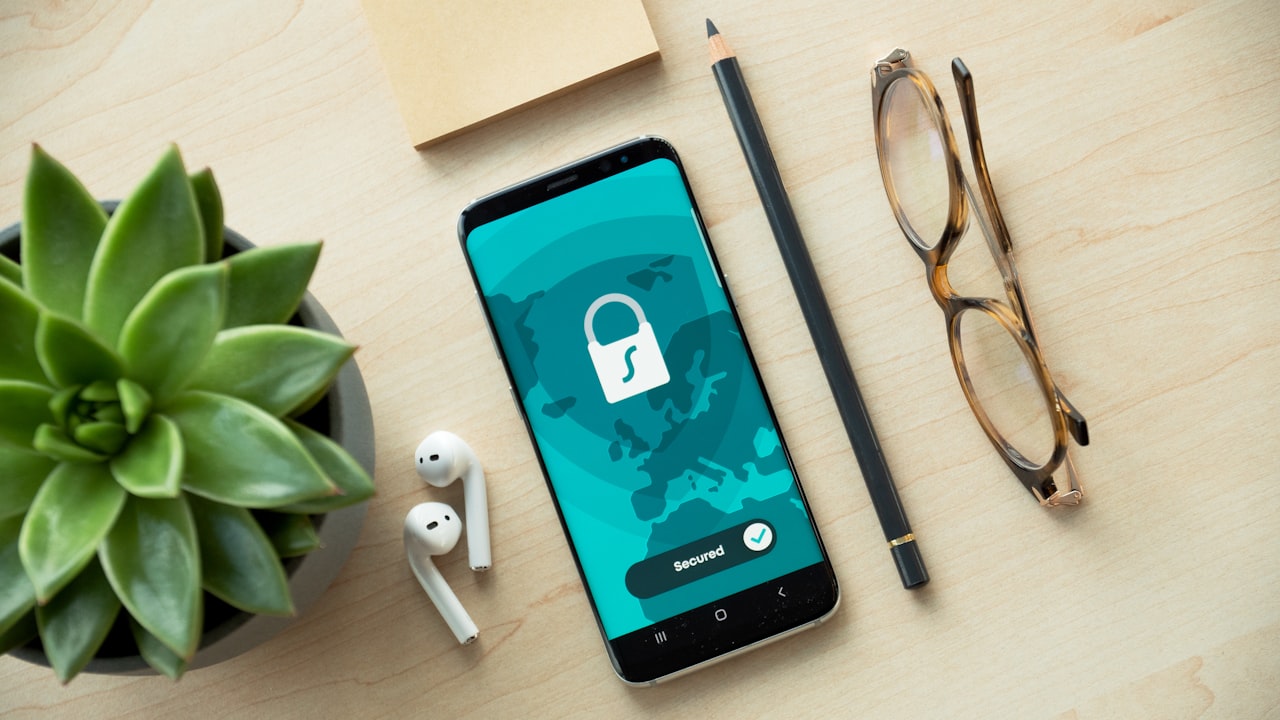
Why Wallet Security Matters for Crypto Cards
A crypto card isn’t just a payment tool—it’s a bridge between your onchain assets and real-world spending. Your wallet is the gatekeeper. If your wallet is compromised, your earning potential disappears overnight. For users in the USA and UK, this matters even more: both regions have strict KYC requirements, meaning your wallet is tied to your verified identity.
Signal: Your wallet’s security directly determines whether your crypto-card rewards stay yours. One weak private key means one lost opportunity to earn cashback on purchases you’d make anyway.
Security isn’t paranoia—it’s arithmetic. If you’re earning up to 3% cashback via ether.fi Cash, losing even one month’s balance to theft erases three months of rewards. A few extra steps during setup protect months of earnings ahead.
The connection between wallet security and crypto-card earning is direct: your card spends from your wallet’s balance. If your wallet is emptied, you have no balance to spend and no cashback to collect. This is why the setup process—from choosing the right wallet type to protecting your seed phrase—is non-negotiable.
Types of Wallets for Crypto Cards
Not all wallets work with non-custodial crypto cards. Here’s what you need to know:
MetaMask — Industry standard, available as a browser extension and mobile app. Works with ether.fi Cash directly. No KYC required for wallet creation (KYC happens at the card issuer, not MetaMask). Best for beginners and intermediate users. Free to download and use.
Hardware wallets — Ledger Nano, Trezor, or similar devices. Highest security tier because your private keys never touch the internet. Slower transactions but maximum peace of mind for holdings over $5,000. Setup takes 30 minutes longer but pays for itself in peace of mind.
Mobile wallets — Trust Wallet, Argent, Rainbow Wallet. Convenient for on-the-go access and quick transactions. Still self-custodial (you control the keys). Weaker than hardware wallets but stronger than centralized exchange wallets. Good middle ground between convenience and security.
Exchange wallets — Crypto.com, Coinbase, Kraken, Binance. Do not use these for crypto cards. You don’t control the private keys; the exchange does. Non-custodial cards require you to hold your own keys—the defining feature of self-custody.
Risk: Exchange-custodial wallets don’t work with non-custodial crypto cards. You must hold your own keys. ether.fi Cash requires self-custody—no exceptions.
The choice between wallet types depends on your risk tolerance, balance size, and frequency of access. Beginners should start with MetaMask. As your balance grows, consider graduating to a hardware wallet.
Step-by-Step Setup: Your First Secure Wallet
1. Choose Your Wallet
For most users, MetaMask is the easiest on-ramp. It’s free, battle-tested by millions, and integrates directly with ether.fi Cash. Download from metamask.io only—bookmark the official site. Never click wallet links from social media, email, or Discord, as phishing sites are pixel-perfect copies of legitimate wallets.
2. Create a New Wallet
Open MetaMask → click “Create a new wallet” → agree to the terms of use → set a password (12+ characters, completely unique, not reused from banking apps or email accounts). Store this password in a password manager (1Password, Bitwarden, KeePass). Do not memorize it—password managers are more secure than human memory.
3. Backup Your Seed Phrase
MetaMask generates a 12-word seed phrase (also called a “recovery phrase” or “mnemonic”). This is the master key to your wallet. Anyone with these 12 words can access your funds.
Watch: Keep your seed phrase offline in 2 physical locations. Digital backups—screenshots, Notes app, cloud storage, email—are hacking targets. Write it on paper and use a steel seed-phrase backup card (under $20 on Amazon). Store one copy in a safe, and another in a security deposit box or with a trusted family member (in sealed envelope).
4. Confirm the Backup
MetaMask requires you to re-enter the seed phrase in the correct order to verify you wrote it correctly. This step prevents “I wrote it down wrong” disasters. Complete this step before moving forward.
5. Test a Small Transfer
Send $10–$20 in stablecoin (USDC or USDT) from a trusted source to your new wallet address. Confirm the transaction processes and arrives. This smoke test proves the wallet works before you send larger amounts.
Protecting Your Seed Phrase and Private Keys
Your seed phrase is the skeleton key to your wallet. If someone obtains it, they own your assets. Period. Recovery is impossible. Here’s how to keep it safe:
Never share it. Not with friends, not with family, not with support staff, not with anyone. Legitimate support teams never ask for seed phrases. If someone asks, they are scamming you.
Never screenshot it. Screenshots live in cloud backups, Slack histories, and device caches. A hacker can access old screenshots weeks or months after you think they’re deleted. Never store it digitally.
Never type it into websites. Phishing sites copy legitimate wallet pages with pixel-perfect accuracy. They intercept seed phrases entered into their fake forms. Always interact with wallets through official apps or bookmarked URLs.
Risk: Phishing is the #1 seed-phrase theft vector. Use bookmarks only; never click wallet links from Discord, Reddit, Telegram, or email. When in doubt, type the URL manually.
Offline storage is the gold standard. A paper wallet in a home safe beats cloud backups every single time.
For larger balances ($5,000+ in crypto), consider a hardware wallet or multi-signature setup. Multi-sig requires 2 of 3 signatures to approve a transaction, so even if one private key is stolen, the attacker can’t move funds without approval from a second wallet. This adds friction but prevents total loss.
Connecting Your Wallet to a Crypto Card
Once your wallet is set up and secured, connecting it to a crypto card takes just minutes.
For ether.fi Cash:
- Visit ether.fi (via bookmark or by typing the URL—never a link from social media).
- Click “Sign in with MetaMask” or your wallet of choice.
- Approve the connection in your wallet (MetaMask shows a popup; review and confirm).
- Complete identity verification: phone number, government ID (passport, license, or national ID), and liveness selfie.
- Claim your virtual card immediately; physical card ships in 15+ business days (standard) or 1–3 days (expedited Pinnacle tier).
KYC verification takes 5–15 minutes. ether.fi requires a government ID (valid, unexpired passport, driver’s license, or national ID), a phone number (must match the ID), and a liveness selfie (you smile at your camera; the app uses AI to confirm it’s a real person).
Both USA and UK users follow the same KYC process. Verification typically completes within 1 hour. Once approved, you can spend immediately on your virtual card.
Key metric: ether.fi Cash users earn rewards only after $100 in qualifying spend in the first 30 days. Most users earn back any card fee in one month via up to 3% cashback on regular purchases plus **.
USA and UK Specific Considerations
Crypto-card availability varies by region and jurisdiction. Here’s what you need to know for your location.
USA: ether.fi Cash is available in 49 states. Prohibited states: Arizona, Delaware, Georgia, Idaho, Louisiana, Maryland, Mississippi, Missouri, Montana, Nevada, New Mexico, North Dakota, Ohio, Oregon, Rhode Island, South Dakota, Tennessee, Vermont, Washington, Wisconsin.
If you’re in a prohibited state, Crypto.com Card or RedotPay are alternative non-custodial options. RedotPay dominates the non-custodial segment with 80.7% market share (April 2026 data), making it a solid fallback if you’re geographically blocked from ether.fi.
UK: Full support. ether.fi Card ships to the UK in 15+ business days (standard tier) or 1–3 days (Pinnacle tier, which requires a $40 refundable deposit). Platinum and Luxe tiers fall between 7–10 days. All tiers can use virtual cards immediately.
Both regions require:
- Valid government ID (not expired)
- Phone verification via OTP
- Liveness selfie (you smile at your camera; app confirms it’s you, not a photo)
The wallet setup is identical for both regions. The only differences are KYC verification and physical card shipping time.
Alternative: If you’re in a prohibited jurisdiction (Netherlands, Russia, Turkey, India, China, Belarus), crypto cards are not available due to regulatory restrictions. Consider non-card onchain DeFi earning or centralized-exchange cards like Crypto.com (custodial, but available in more jurisdictions).
Risk & Disclosure
DefyCard publishes affiliate-linked guides; we may earn a commission when you sign up for ether.fi Cash through our referral link. This does not change your price or terms.
Cryptocurrency is volatile. Your wallet’s balance can fluctuate 50%+ in a single day. Don’t store funds you can’t afford to lose. Crypto cards are not insured like bank cards; if your private key is compromised, your assets are unrecoverable.
ether.fi Cash is available in the USA (49 states, excluding 21 prohibited states) and the UK. Check availability for your jurisdiction before signing up.