Prerequisites: What You’ll Need Before Converting Crypto to Fiat
Before you can convert crypto to fiat on your card, you’ll need three things in place.
Signal: if you already have a self-custody wallet (MetaMask, Trust Wallet, Ledger), you’re halfway there—the card acts as a final spending layer, not a custody bridge.
First, a supported self-custody wallet—MetaMask, Trust Wallet, or any EVM-compatible wallet. The ether.fi Cash card connects directly to your wallet without requiring deposits or transfers. Your crypto stays under your control until the moment you spend it.
Second, government ID and a phone number for KYC verification. The process takes 5–10 minutes: phone OTP → ID upload → liveness selfie. No video calls needed.
Third, a supported country address. The card operates in 76 countries; the ether.fi support page has the full list. US residents: the card is unavailable in Arizona, Delaware, Georgia, Idaho, Louisiana, Maryland, Mississippi, Missouri, Montana, Nevada, New Mexico, North Dakota, Ohio, Oregon, Rhode Island, South Dakota, Tennessee, Vermont, Washington, and Wisconsin.
Why it matters: these gatekeeping steps exist because the card issuer is a licensed CASP (custodial asset service provider) in each jurisdiction. Skipping or fudging KYC doesn’t speed things up—it just blocks your account later.
How to Convert Crypto to Fiat on Card: The 5-Step Process
Once you’ve set up your ether.fi account and passed KYC, converting crypto to fiat happens at spend time, not transfer time. Here’s the exact flow:
Step 1: Choose your stablecoin in your wallet. Most users hold USDC or USDT on Ethereum, Polygon, Arbitrum, or Optimism. These are the fastest to move. (Scroll network is also supported for ultra-low fees.)
Risk: if you hold your stablecoin on a CEX (Coinbase, Kraken), you’ll need to withdraw it to your self-custody wallet first. Withdrawals take 5–30 minutes depending on the exchange.
Step 2: Open ether.fi Cash in your wallet’s dApp browser (or via desktop). Connect your MetaMask, Trust Wallet, or other EVM wallet. The app reads your balances without moving coins.
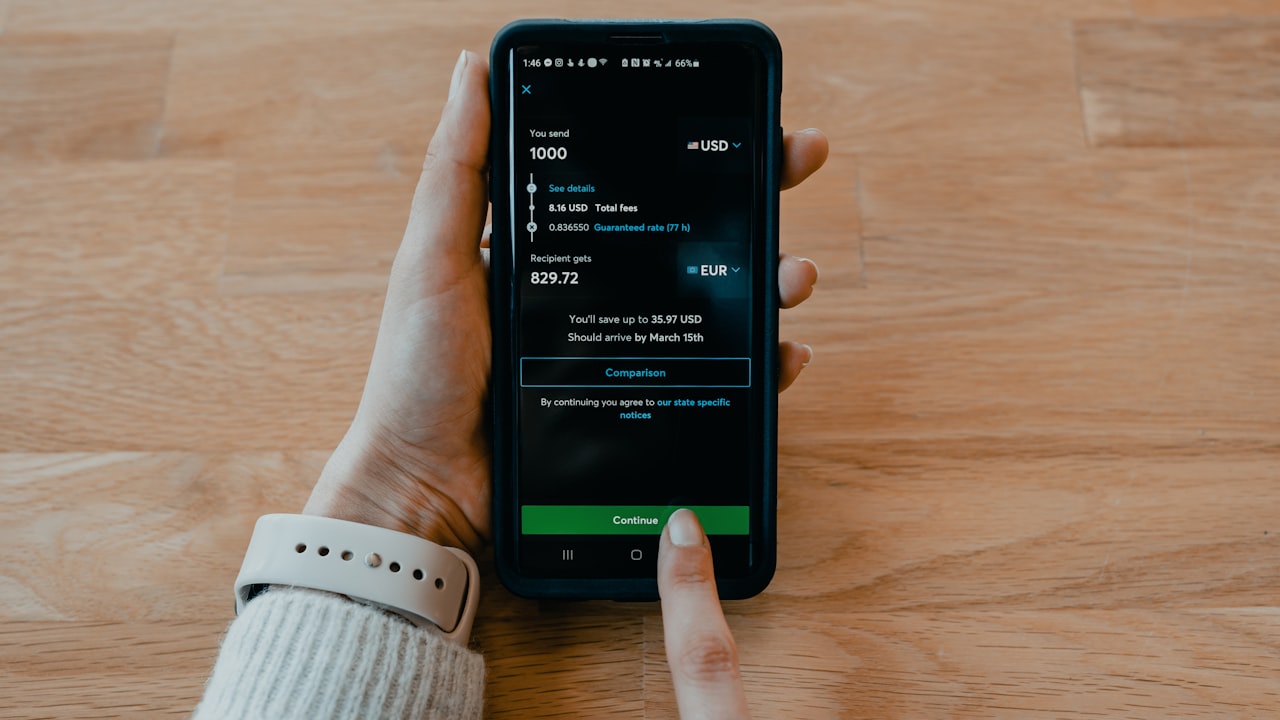
Step 3: Select the stablecoin amount and currency pair. If you hold 1,000 USDC on Ethereum, the card calculates what that’s worth in your local fiat and shows the FX rate:
- USD/EUR: 0% FX fee (same-day settlement)
- GBP, CAD, AUD, etc.: 1% FX fee + bank clearing fees (1–2 business days)
Key metric: a 1,000 USDC spend in a 1% FX zone costs you ~10 USD in FX—the rest flows to your card’s balance.
Step 4: Authorize the transaction. Your wallet prompts you to sign. This is a blockchain transaction—there’s a gas fee (~$0.50–$5 depending on network congestion). Plan for this in your total cost.
Step 5: Tap your card (virtual or physical). The balance is now spendable at any Visa merchant worldwide. Your cashback accrues in real-time—up to 3% in crypto or fiat, depending on your tier and spend category.
How to Add Stablecoin to Crypto Card: Token Bridge Strategy
Crypto to fiat conversion is only as smooth as your stablecoin entry. Here’s the fastest bridge for each starting point.
If you hold USDC/USDT on a major CEX (Coinbase, Kraken, FTX):
Withdraw to Ethereum first (most liquid, ~$0.50–$1.50 fee). Then use the ether.fi dApp. No extra bridge needed.
If you hold crypto on Solana, Dogecoin, or other non-EVM chain:
Bridge via Wormhole or Portal to Ethereum/Polygon first. This takes 5–20 minutes and costs $2–$10 in fees. Then how to add stablecoin to crypto card proceeds as normal.
If you hold ETH and want to convert it directly to spend fiat:
Swap ETH for USDC on Uniswap or Curve (1–2% slippage + gas), then add USDC to card. Faster than a two-step bridge.
Signal: Polygon is the cheapest entry for US users—sub-$0.01 gas + instant finality. EU users: Ethereum (0% FX on EUR) often makes more sense despite higher gas.
How to Add ether.fi to Apple Pay: Mobile Wallet Integration
Once your card is active, adding it to your phone’s wallet takes 30 seconds and unlocks contactless, passwordless spending.
For Apple Wallet:
- Open the ether.fi Cash app or your wallet dApp (Trust Wallet works seamlessly).
- Tap “Add to Apple Wallet.”
- Accept the terms and position your phone near an NFC reader to confirm.
- The card appears in Wallet—ready to use at any contactless terminal.
For Google Pay:
- Open your dApp wallet → ether.fi section.
- Tap “Add to Google Pay.”
- Same NFC confirmation.
- Google Pay now holds the card details encrypted locally.
For Samsung Pay:
- Open Samsung Wallet.
- Tap + → “Payment card.”
- Enter the card details manually or scan the virtual card number from the ether.fi app.
- Done.
Why it matters: mobile wallets pay faster (contactless, no PIN for small purchases), and your card data stays encrypted on your phone—not on the merchant’s server.
Watch: ether.fi is expanding wallet support monthly. Check their official blog for new integrations.
Security: What to Watch When Converting Crypto to Fiat
The card holds real fiat on the issuer’s side—treat it like a bank account, not a trading account.
Risk: if your phone is lost or stolen, the card can be used immediately with Apple/Google Pay. Mitigation: set a PIN or biometric lock on your phone wallet. Freeze the card via the ether.fi app in seconds.
Signal: the ether.fi issuer uses fraud detection (Stripe + Sift). Unusual spend patterns (e.g., $5k purchase in a new country) may trigger a hold. Contact support to whitelist or explain.
Key metric: the card’s daily/monthly spend limits depend on your membership tier:
- Core: $2,000/month
- Luxe: $10,000/month
- Pinnacle: $50,000/month
Upgrade your tier in-app if you need higher limits.
What to Watch
- FX rates change daily—if you hold stablecoins in a 1% FX zone (GBP, JPY, etc.), monitor rates and lock in when they move. Use gas trackers to avoid high-fee windows.
- KYC approval delays—ether.fi approval is usually instant, but can take 24 hours in peak periods. Plan spending accordingly if you’re a new user.
- Regulatory announcements—follow @ether_fi on Twitter and their help center for country-availability changes. Several countries were restricted in 2025.
- Stablecoin depegs or blacklistings—if you hold USDC, monitor Circle’s reserve reports. USDT has faced regulatory scrutiny. DAI is overcollateralized but less liquid on some networks.
- Card issuer outages—rare, but Visa rails do go down. Check real-time status via @ether_fi or your wallet’s notification center.
Bottom Line
- Convert at spend time, not upfront: the card’s real-time conversion means you only pay FX fees for what you actually spend, not for a pre-loaded balance.
- 0% FX in USD/EUR makes the card a no-brainer for US/UK/EU users—your effective cashback (3% less 0% FX) beats Crypto.com and custodial alternatives.
- Apple Pay + contactless spending is the fastest layer—add your card to Wallet, tap at checkout, get 3% cashback. No passwords, no friction.
- If you fit the self-custody + frequent-spender profile, this card pays you back immediately.
Frequently Asked Questions
-
Q: Can I convert crypto to fiat without leaving my wallet? A: Yes. The ether.fi card reads your wallet balance in-app without moving coins. Conversion happens at the point of sale (when you tap or enter your card number). No middle step, no fees for holding the card.
-
Q: What’s the difference between the card’s crypto cashback and fiat cashback? A: Crypto cashback is paid in USDC or ETH directly to your wallet (real-time). Fiat cashback is paid as a credit on your card account (cleared monthly). Choose your preference in the app settings.
-
Q: Do I need to verify each transaction, or is it automatic? A: Transactions under a threshold (~$500) are instant. Larger ones may prompt a 3D Secure (3DS) code sent to your email—takes 30 seconds. This is normal for Visa worldwide.
-
Q: Which stablecoin is cheapest to bridge onto the card? A: USDC on Polygon (gas < $0.01). USDT on Ethereum is most liquid but pricier in gas. Use etherscan.io/gastracker to compare real-time fees.
-
Q: Can I use the card if I’m not in a supported country right now? A: No—the card is geo-locked to your KYC country. If you’re traveling, the card works in merchant terminals worldwide, but fiat top-ups can’t happen outside your home country. Plan ahead.
-
Q: What happens if my stablecoin loses its peg (e.g., USDC drops to $0.95)? A: You still get $0.95 in fiat purchasing power. The card settles at the network price, not the CEX price. No arbitrage available—the issuer protects against depegs via reserve checks.
Risk + Disclosure
Affiliate disclosure: DefyCard publishes affiliate-linked reviews; we earn a commission when you sign up through our links. This does not change your price or access to the card.
Crypto asset volatility: stablecoins aim to hold a $1 peg, but depegs, regulatory bans (e.g., USDC in certain jurisdictions), or issuer failures can happen. Never hold more on the card than you plan to spend in the next 30 days.
Country restrictions: the ether.fi Cash card is unavailable in Belarus, Bangladesh, China, Cuba, Estonia, Finland, India, Iraq, Israel, Nepal, Netherlands, North Korea, Philippines, Russia, Syria, Turkey, Ukraine, Venezuela, and Vietnam. Certain US states also block the service (see Prerequisites above). Check your country before starting KYC.
Not financial advice: this guide is educational. Do your own research on stablecoin risks, FX mechanics, and tax implications (crypto-to-fiat conversions are taxable events in most jurisdictions). Consult a tax professional before deploying capital.