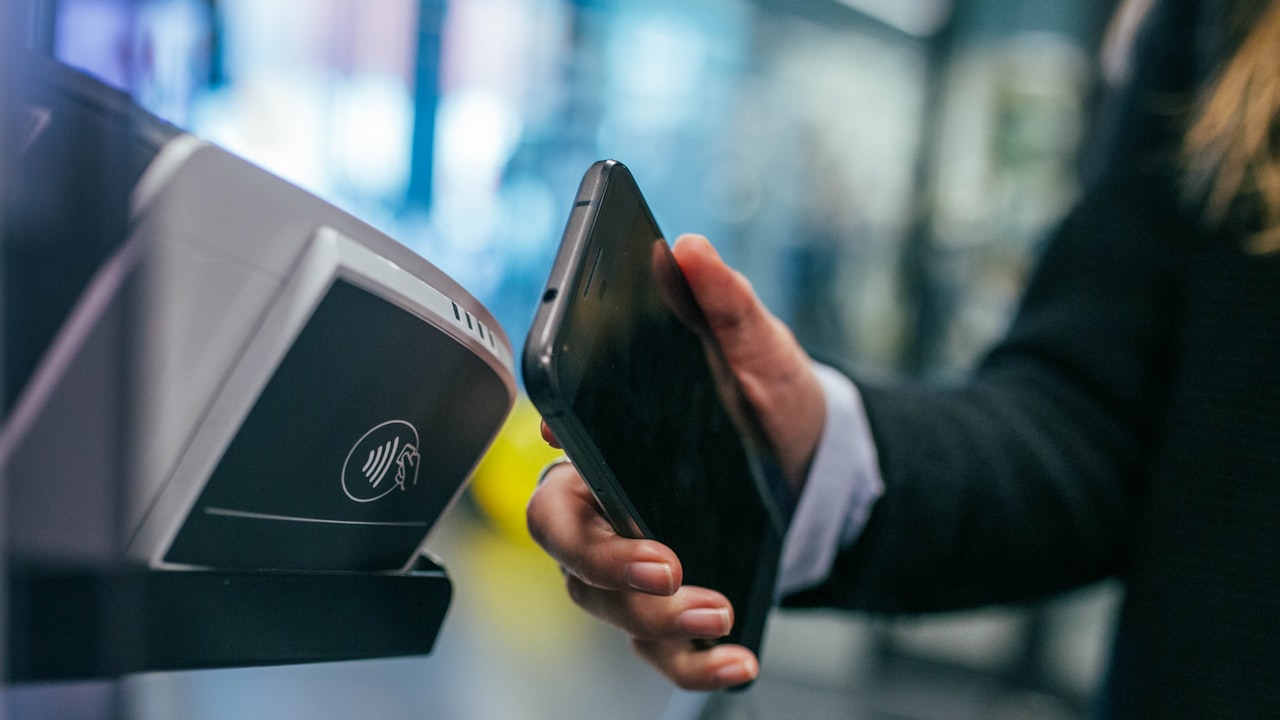
How to Add Coinbase Card to Google Pay
Adding your Coinbase Card to Google Pay is straightforward. Here’s the exact process:
- Open the Coinbase app and navigate to card settings.
- Select “Google Pay” from the wallet integration menu.
- Tap “Add to Google Pay.”
- Review the card preview and confirm the addition.
- Open Google Pay and verify the card appears in your payment methods.
Signal: If your Coinbase Card is already issued and activated, Google Pay integration happens immediately — no re-verification required.
The card now shows as a payment option whenever you open Google Pay. Use it for contactless purchases at any Visa-accepting merchant.
Verification and Limits
Google Pay may ask you to verify your identity before processing large transactions. This is standard fraud prevention.
Key metric: Most Coinbase Card users complete Google Pay setup within 2 minutes of opening their card.
How to Add MetaMask Card to Apple Pay
If you use MetaMask Card, the process for Apple Pay follows a similar iOS-specific flow:
- Open the MetaMask app and navigate to card settings.
- Look for “Apple Pay” or “Wallet integration.”
- Tap “Add to Wallet” (if this option doesn’t appear, ensure your iOS version is current — iOS 16.0+).
- Confirm your card details in the system prompt.
- Your card is now live in Apple Pay — test it with a small contactless purchase.
Risk: Older iOS versions (pre-16.0) may not support MetaMask Card tokenization. Update your device first.
Using a crypto card on Apple Pay works like any Visa card. Check your issuer’s app for real-time balance; Apple Pay shows only your last transaction.
How to Use Crypto Cards on Digital Wallets
Once added, how to use crypto card on Apple Pay and Google Pay follows the same flow:
- Contactless transactions: Hold your phone near a contactless reader at checkout.
- Online checkout: Select the card from your wallet when prompted.
- ATM withdrawals: Most crypto cards don’t work at ATMs via digital wallets; use the physical card instead.
- Balance tracking: Check your card issuer’s app for real-time balance; digital wallets show only the last transaction.
Why it matters: Digital wallets are faster than physical cards, especially for small purchases. They’re also more secure because merchants never see your full card number.
ether.fi Cash Card and Digital Wallets
The ether.fi Cash card also integrates with Google Pay and Apple Pay. If you’re exploring crypto cards with yield, ether.fi Cash offers up to 3 % cashback on spending while your ETH stays staked.
Signal: If your goal is cashback while holding crypto, the ether.fi Cash card combined with digital-wallet convenience is a strong pairing. Explore ether.fi Cash to see if it’s available in your region.
Security Best Practices for Crypto Cards in Digital Wallets
Tokenization Protects Your Card
When you add a crypto card to Google Pay or Apple Pay, the issuer creates a token — an encrypted replacement for your actual card number. Merchants never see the real number.
Key metric: Tokenization reduces fraud risk by up to 98 % compared to physical card use.
Your digital wallet also ties each transaction to your device’s biometric or PIN, adding a second security layer. Even if someone steals your phone, they can’t use the card without unlocking it.
Monitoring and Alerts
Enable transaction alerts in your card issuer’s app. You’ll receive instant notifications for every contactless purchase, making fraud detection faster.
Watch: If you’re traveling, some crypto cards disable cross-border digital payments. Notify your issuer in advance, or temporarily unlock international transactions in the app before you go.
Lost or Stolen Device
If your phone is lost or stolen:
- Open your card issuer’s app from another device and freeze the card immediately.
- The digital-wallet copy becomes inactive.
- Unfreeze when you’ve recovered or replaced your phone.
You don’t need to cancel the card entirely — just pause it until you’re ready to use it again.
Troubleshooting Common Issues
Card Not Appearing in Google Pay or Apple Pay
If your card doesn’t show up after adding it:
- Restart your phone and try adding the card again.
- Ensure your card issuer’s app is updated to the latest version.
- Check that your payment method (e.g., bank account or USDC balance) is verified.
- If still missing, contact your card issuer’s support team — some cards are in staged rollout.
Risk: Older card issuers may not have added digital-wallet support yet. This doesn’t mean the card is broken; you can still use the physical card or pay online with the virtual card details.
Wallet Compatibility Problems
Not every digital wallet supports every crypto card. Google Pay generally has broader crypto-card coverage than Apple Pay, but this is rapidly changing.
Signal: Before signing up for a specific crypto card, verify on the issuer’s website that it integrates with your preferred digital wallet (Google Pay, Apple Pay, or Samsung Pay).
Transaction Declines
If a transaction is declined:
- Check your card balance in the issuer’s app.
- Verify the merchant accepts contactless payments or Visa.
- Confirm your card isn’t frozen or limited by transaction rules.
- Try the physical card or virtual card number instead.
What to Watch
- Card issuer app updates: Check for new digital-wallet features or higher cashback rates.
- Digital wallet OS updates: iOS and Android updates occasionally affect payment functionality; install promptly.
- Merchant compatibility: Most stores support contactless now, but some terminals may require the physical card.
- Promotional cashback: Some crypto cards offer temporary higher cashback on digital-wallet transactions — check your issuer’s latest offers.
Bottom Line
- Adding Coinbase Card to Google Pay takes two minutes through the Coinbase app; no new verification needed.
- How to add MetaMask Card to Apple Pay follows the same process, with iOS 16.0+ required.
- How to use crypto card on Apple Pay and Google Pay provides faster, more secure contactless payments with tokenization protecting your card number.
- For cashback rewards while spending crypto, check out ether.fi Cash — it pairs seamlessly with digital wallets and offers up to 3 % cashback.
FAQ
Q: Can I add multiple crypto cards to one digital wallet? A: Yes, most digital wallets support multiple cards from different issuers. You choose which card to use at each transaction. Google Pay and Apple Pay both allow unlimited card storage.
Q: Is it safe to add a crypto card to Google Pay or Apple Pay? A: Yes. Digital wallets use tokenization, which replaces your real card number with an encrypted code. Merchants never see your actual card details, making it safer than physical card use.
Q: What if my crypto card isn’t supported by Google Pay or Apple Pay? A: Not all issuers have integrated yet. Check your card issuer’s help center; if unavailable, ask their support team for a timeline. You can still use the physical or virtual card.
Q: Will my digital wallet work if I’m traveling internationally? A: It depends on your card’s country restrictions and the merchant’s payment network. Some crypto cards block international transactions; check your issuer’s app before traveling.
Q: What happens if I freeze my card? A: The digital-wallet copy becomes inactive too. Unfreeze the card in your issuer’s app to resume digital-wallet payments.
Q: How do I remove a card from Google Pay or Apple Pay? A: Open your digital wallet app → select the card → remove or delete. This doesn’t close the card; you can re-add it anytime.
Risk + Disclosure
Affiliate disclaimer (repeated): DefyCard publishes affiliate-linked reviews. We earn a commission when you sign up through our links, at no extra cost to you.
Crypto assets are volatile. Your card balance is held in crypto (e.g., ETH, USDC) or stablecoins. If your card uses a volatile asset, purchasing power can fluctuate. Spending through digital wallets doesn’t mitigate this volatility — only the asset type does.
Country and region restrictions apply. Some crypto cards, including ether.fi Cash, are not available in all jurisdictions. If you’re in a restricted region, your card issuer will decline wallet-integration requests. Check your card issuer’s help center for country-specific rules.
Digital wallets do not insure your funds. If your card issuer goes bankrupt, the digital wallet cannot recover your balance. Some crypto cards offer FDIC or USDC-backed insurance; verify with your issuer.
Device security is your responsibility. Digital wallets are only as secure as your device’s lock screen. Use a strong PIN or biometric lock to protect your phone.