Getting started: Set up your card in 3 steps
Before your first trip or Uber ride, you need an active ether.fi Cash card. The setup is straightforward and takes about 5 minutes.
Step 1: Complete KYC verification. You’ll need a valid government ID (passport, national ID, or driver’s license), a phone number, and a liveness selfie. The process is automated and typically completes within minutes. Signal: This is a one-time gate—once verified, you’re ready to spend.
Step 2: Create your account and deposit ETH. Once KYC clears, you can fund your account from any wallet that holds Ethereum or stablecoins. Your balance sits in non-custodial storage, meaning you control the private keys. No middleman holds your funds.
Step 3: Activate your virtual card instantly. You’ll get a virtual card number, expiry, and CVV within seconds. You can start spending on Amazon, Uber, or any online merchant immediately. Physical card shipment takes 15+ business days for standard shipping (or 1–3 days if you upgrade to expedited). Why it matters: the virtual card removes any waiting period—you don’t need to wait for plastic to arrive to use your crypto.
Using your crypto card for travel: Maximize abroad spending
Travel is where the ether.fi Cash card shines. Here’s why: most crypto cards charge 1–3 % foreign-exchange fees when you spend in currencies other than the one you hold. Ether.fi eliminates that entirely on USD and EUR—and that’s the majority of travel destinations in North America and Europe.
Why it matters: A €500 meal in Paris charged at 1 % FX costs you €5 in hidden fees. Over a two-week European trip with €2,000 in spending, that’s €20 in unnecessary charges. With zero FX on EUR, you keep every cent.
Risk: Other currencies (GBP, JPY, AUD, CAD, CHF, etc.) still charge 1 % FX fee. It’s still competitive versus traditional credit cards, but not zero. Plan accordingly for non-USD/EUR destinations.
How to use it abroad:
- Activate travel mode (optional). Some card issuers notify fraud detection; ether.fi doesn’t require pre-notification, but it’s good practice to log in before you travel.
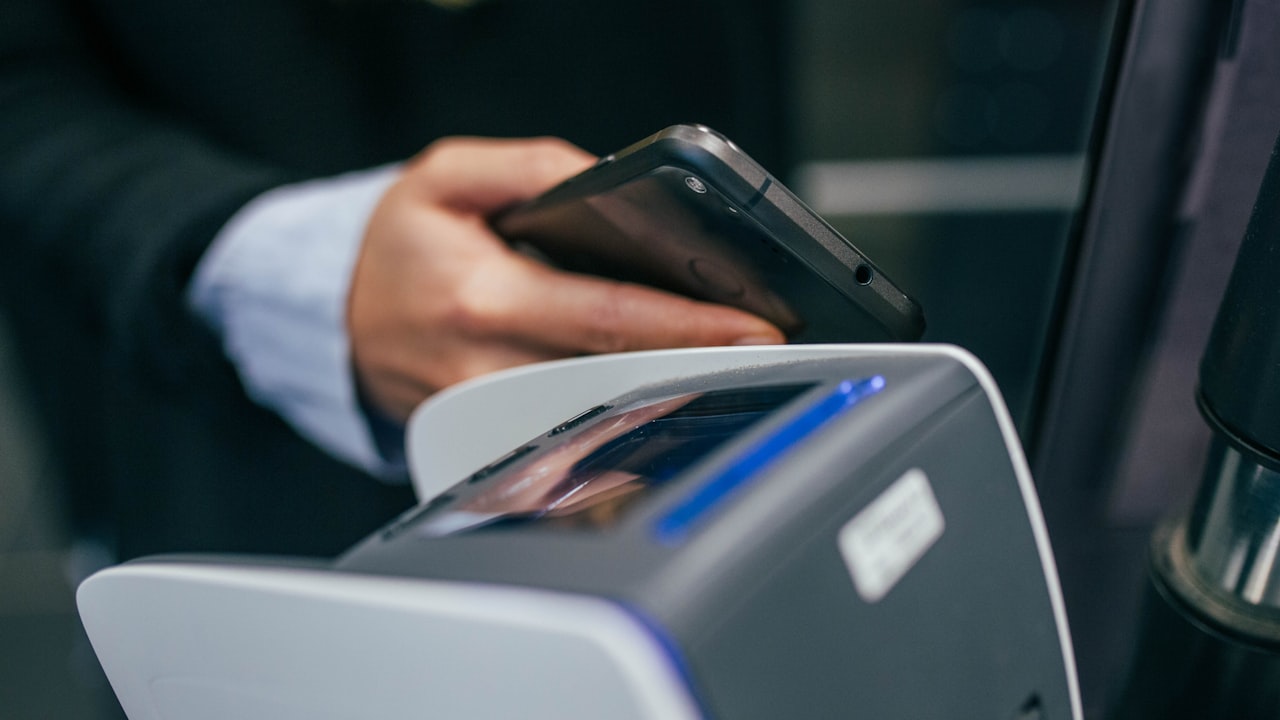
- Spend online or in-store. Your card works everywhere Visa is accepted—shops, ATMs, restaurants, hotels. Contactless payment is supported globally.
- Track FX charges in real time. Your ether.fi dashboard shows every transaction with exact fees applied. No surprises.
- Withdraw cash at ATMs. ATM withdrawals charge 2 % fee, which is lower than many travel credit cards. You also don’t pay that fee to your own bank.
Key metric: If you travel to a USD or EUR zone and spend $5,000 abroad, you save $50–$150 in FX fees versus traditional cards (which typically charge 2–3 %). Signal: For frequent travelers to the US, UK, or EU, this card pays for itself in foreign-exchange savings alone.
How to use crypto card on Uber: Rides, meals, and more
Uber is one of the most common use-cases for a crypto card—and it’s seamless. Uber accepts Visa everywhere it operates, and how to use crypto card on Uber is straightforward.
How to add your card to Uber:
- Open the Uber app → Settings → Payment methods.
- Tap “Add payment method” → “Credit or debit card.”
- Enter your ether.fi virtual card number, expiry, CVV, and billing address (use your home address).
- Confirm—the card is now active on Uber.
Earn cashback on every Uber ride. Uber Eats and UberX earn the same rate: ether.fi applies no merchant-category bonuses. Signal: If you use Uber Eats frequently, this is a strong cashback earner versus traditional cards that max out at 5 % on restaurants.
Risk: Uber’s payment processing occasionally places a temporary hold (usually $1–$5) for 2–3 days to verify the card. This is normal and not unique to crypto cards; the hold is released automatically. Your balance isn’t locked—you can still spend normally while the hold clears.
Whether you’re in New York, London, or Tokyo, how to use crypto card on Uber remains the same: add it once, and every ride earns cashback.
How to use crypto card on Amazon: Online shopping and Prime
Amazon is the largest e-commerce platform globally, and your ether.fi Cash card works seamlessly there. Whether you’re buying physical goods, digital subscriptions, or Prime membership, how to use crypto card on Amazon is simple.
How to add your card to Amazon:
- Log into your Amazon account → “Account & Lists” → “Your Account.”
- Scroll to “Payment options” → “Add a credit or debit card.”
- Enter your ether.fi card details (number, expiry, CVV, billing address).
- Save and set as default if desired.
- Start shopping.
You’ll earn up to 3 % cashback on all Amazon purchases—eligible for both physical items and digital goods like Kindle books or Prime Video.
Key metric: If you spend $300/month on Amazon, that’s $9/month or $108/year in cashback. Over a year, this covers a significant chunk of Prime membership ($139/year)—meaning you could earn back the cost of Prime without changing your spending habits.
Why it matters: Traditional credit cards are moving away from high-powered cashback on online purchases. Ether.fi’s flat 3 % on everything makes it one of the best e-commerce cards available. And since you hold cryptocurrency, you may appreciate that your card issuer isn’t a traditional bank.
Managing fees and protecting your balance
While the ether.fi Card eliminates FX fees on USD/EUR, you should know the full fee structure to optimize spending:
Issuance and monthly costs: Virtual card is free. Physical card costs $40 refundable deposit (you get it back if you close the account). No monthly fees, no account maintenance charges.
Transaction fees: All purchases at merchants are free. Only ATM withdrawals cost 2 % of the amount withdrawn.
Spending limits by tier:
- Core tier: $2,000/month limit
- Luxe tier: $10,000/month limit
- Pinnacle tier: $50,000/month limit
Upgrade your tier by increasing your balance or reaching the spending thresholds. Signal: If you travel frequently or run high monthly expenses on the card, move to Luxe or Pinnacle to lift the cap.
Tracking and redeeming cashback rewards
Cashback accumulates in real time and is credited directly to your ether.fi account. You don’t need to redeem or transfer anything—it’s automatically added to your balance.
View your rewards:
- Log into your ether.fi account dashboard.
- Check the “Rewards” or “Activity” tab—every transaction shows cashback earned.
- Your balance updates instantly; rewards are available to spend or transfer immediately.
Withdraw cashback:
Since your balance is in stablecoins or ETH (your choice), you can transfer cashback to any external wallet or exchange. No lock-up period, no expiry.
Why it matters: Traditional credit-card points expire after 12–24 months and often require redemption through a limited marketplace. With ether.fi, your cashback is real money you control immediately.
What to watch
- Country restrictions: Ether.fi Cash is not available in 20 countries including Russia, China, Venezuela, and others. Verify your location is supported before signing up.
- Tier limits: If you’re a high spender, monitor when you’re approaching your monthly spending cap. Plan tier upgrades in advance.
- Fee changes: While the 0 % FX on USD/EUR is current as of May 2026, crypto-card fees evolve. Check your dashboard if you notice new fees on foreign transactions.
- Regulatory updates: MiCA compliance in the EU and other jurisdictions continues to reshape crypto-card offerings. Ensure your card remains active and compliant where you live.
Bottom line
- For travelers to USD/EUR zones, the zero foreign-exchange fee alone justifies using this card—you’ll save $20–$50+ per trip.
- For Uber and Amazon users, the flat 3 % cashback beats most traditional rewards cards, especially for online purchases.
- If you fit the profile of a crypto-savvy shopper who values non-custodial, low-fee spending, the ether.fi Cash card is a clear win. You maintain control of your funds, avoid hidden fees, and earn cashback instantly.
- Start with the virtual card for Uber and Amazon to confirm it works for you, then order a physical card if you want in-store contactless payments.
FAQ
Can I use my ether.fi crypto card at physical stores while traveling? Yes. Your card works everywhere Visa is accepted—restaurants, shops, hotels, and most service stations. Contactless payment (tap) is supported globally. Physical stores handle the transaction the same way as traditional credit cards.
How long does it take to get my physical card for travel? Standard shipping is 15+ business days. If you’re traveling soon, use your virtual card (available instantly) for the trip. For expedited 1–3 day delivery, you must upgrade to Pinnacle tier. Plan accordingly: order your physical card weeks before a major trip if you want it in hand.
What happens if I lose my card while traveling? Virtual cards can’t be lost—they exist only in your ether.fi app. If you have a physical card, deactivate it instantly in your dashboard and activate a new virtual card. The card issuer will send a replacement physical card to your address—typically within 15 days. Your funds are never at risk because your balance is non-custodial and stored in your own wallet.
Can I use my ether.fi card on Uber in every country? Uber operates in most countries and accepts Visa globally. However, in jurisdictions where Uber or Visa is restricted, your card may decline. Always have a backup payment method when traveling to unfamiliar regions. Check the ether.fi Help Center for country-specific limitations before your trip.
Do I earn cashback when using the card on Uber or Amazon? Yes. All purchases earn at least 3 % cashback. Cashback is credited instantly to your ether.fi account and is available to spend or transfer immediately.
What’s the difference between virtual and physical cards? Both draw from the same balance and earn identical cashback. Virtual is free and instant; physical costs $40 refundable deposit and takes 15+ business days to arrive. Use virtual for online spending (Amazon, Uber) and digital travel bookings. Order physical for in-store transactions, ATM withdrawals, and international travel where merchants prefer plastic.
Risk and disclosure
DefyCard publishes affiliate-linked reviews; we may earn a commission when you sign up through our links. The ether.fi Cash card is a non-custodial financial product backed by Ethereum. Cryptocurrency is volatile—your balance may fluctuate in value depending on ETH/stablecoin prices. Always hold only what you’re willing to spend and monitor exchange rates if you’re converting between crypto and fiat.
Ether.fi Cash is available only in specific countries and US states. Before signing up, verify that your location is in the list of supported jurisdictions on the official ether.fi Help Center. Users in prohibited countries and states cannot access the card or its services.
This article is educational and not financial advice. Always verify current fees, limits, and features on ether.fi’s official site or Help Center before making a decision.